
Practical lead-in for drivers who need reliability
Most drivers want a dash cam that simply records without constant troubleshooting. Start with what you need: uninterrupted footage during long drives and trustworthy parking surveillance — ideally a dual dash cam with parking mode that handles both. I once resolved a parking hit-and-run in Metro Manila using saved footage that survived a week of heat and restarts; that experience shaped this checklist.
Why SD cards fail: concise technical causes
SD card corruption and write-cycle failures come down to three core mechanics: limited erase/write cycles, thermal stress, and file-system fragmentation. Wear leveling in cards extends life but cheap cards often lack robust controllers. Corrupted frames frequently show a failed Cyclic Redundancy Check (CRC) or incomplete file headers when power is interrupted during a write. Continuous loop recording increases write frequency, so the card’s endurance rating matters as much as capacity.
Essential features to prioritize on a budget
Focus on features that reduce stress on storage and the dash cam’s power system. Key items: support for high-endurance microSD (endurance grade), reliable event-lock (prevents overwriting locked clips), continuous loop recording with adjustable segment lengths (30–60 seconds reduces file fragmentation), low standby power for parking mode, and stable firmware updates. A unit with thermal management and a documented power-draw spec will outlast competitors even at similar prices.

Common owner mistakes — and how to fix them
Owners often pick the largest cheap card and expect years of use. That shortcut fails faster than anticipated. Avoid generic, low-end microSD; instead buy endurance-rated cards and format them in the camera before first use. Don’t leave continuous power to an older battery — either hardwire with a low-voltage cutoff or use a supercapacitor design. Also, never ignore firmware updates; they frequently patch file-system stability and power management issues. A short aside — set a quarterly reformat schedule to reduce fragmentation.
Comparative look: budget choices and where DDPAI fits
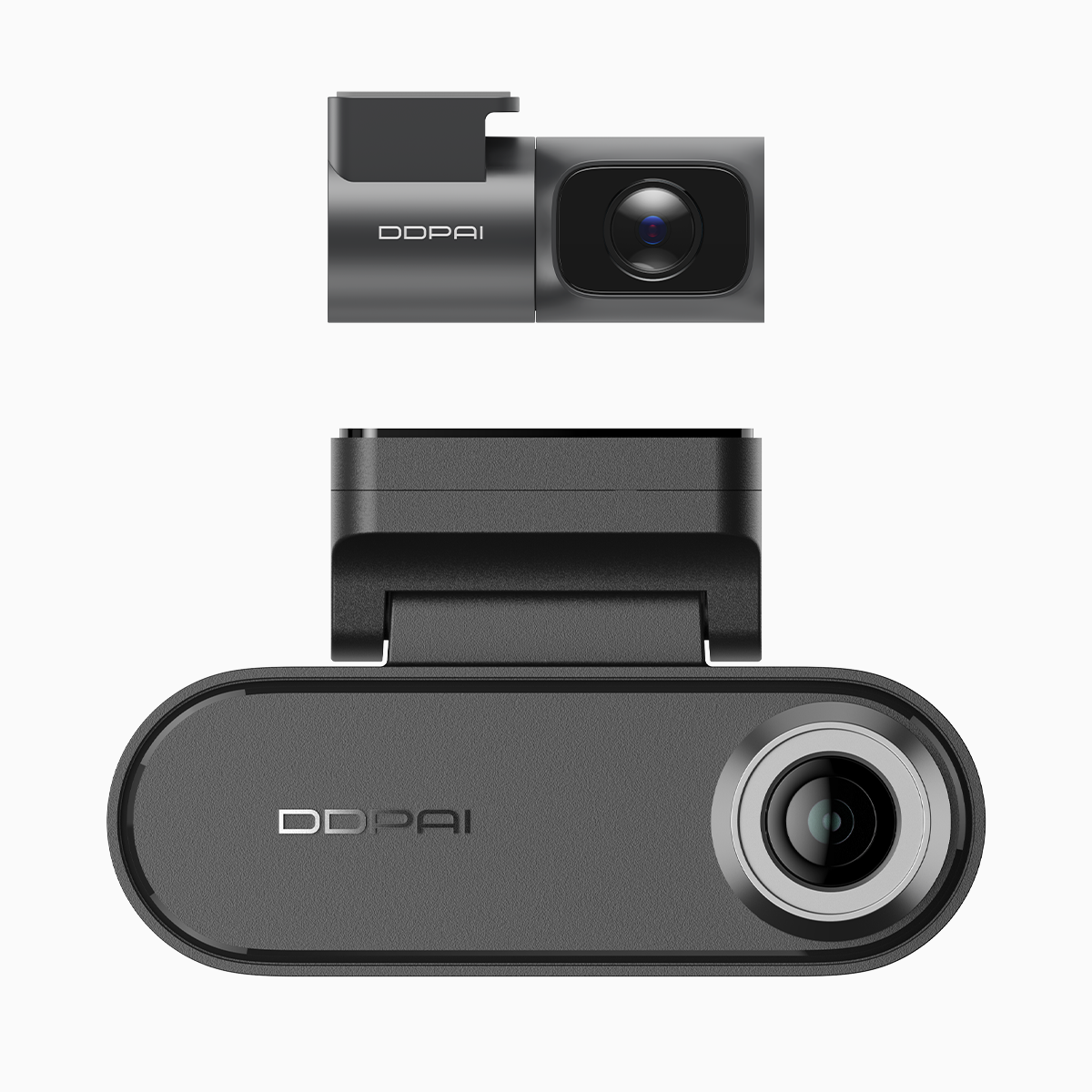
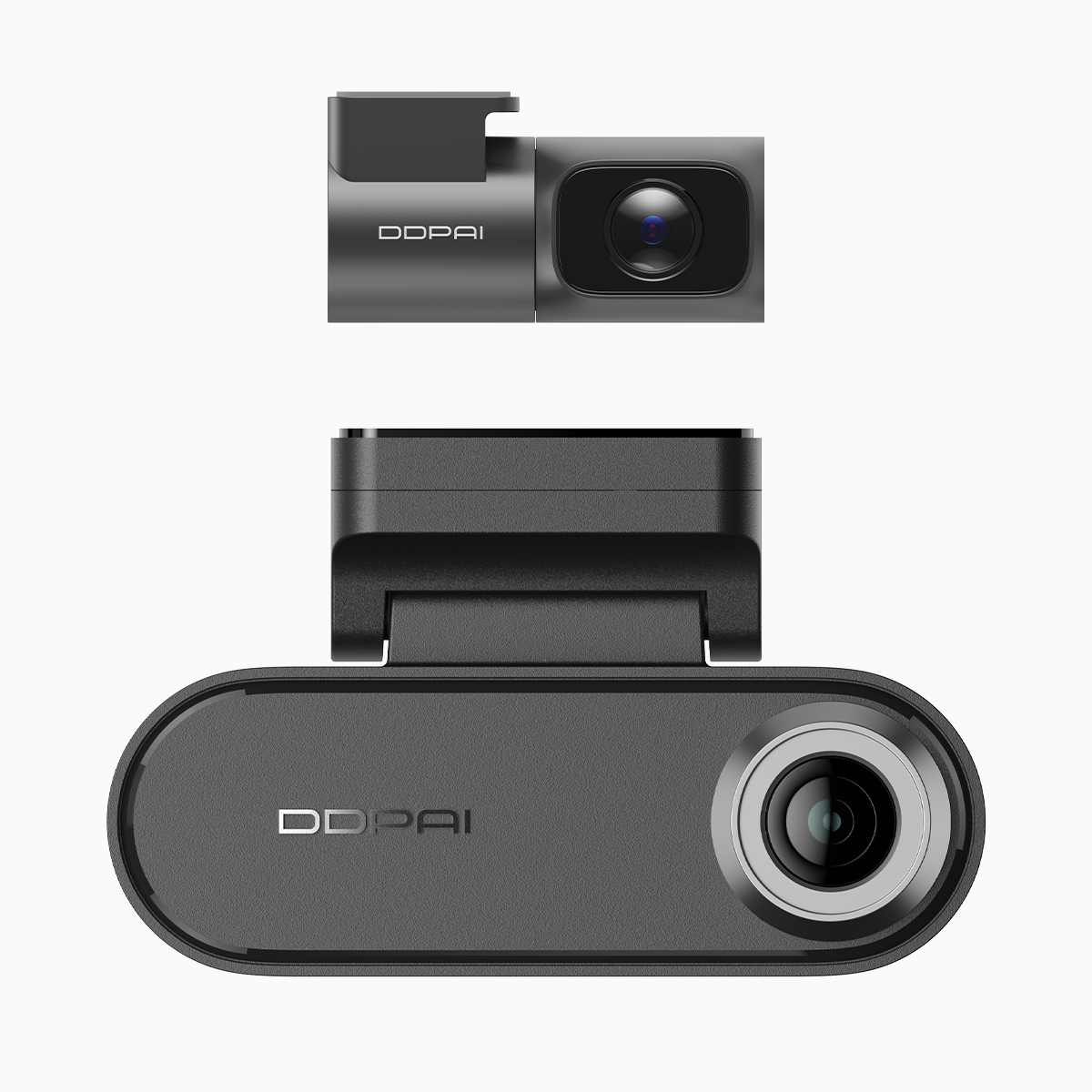
Most budget models trade off between sensor resolution, parking protection, and power stability. Many deliver 1080p front-only recording with limited parking-mode features. The DDPAI N5 Dual balances 4K front recording, dual-channel protection, and documented low standby draw, making it an efficient pick for long-haul drivers who need parking coverage. For users who want explicit parking features, a reliable dash cam with parking protection reduces false event-locks and preserves crucial clips.
Installation and maintenance protocol for longevity
Use high-quality power wiring (fused hardwire kit) or an intelligent battery pack with undervoltage cutoff. Configure segment length to 60 seconds for fewer file operations, enable event-lock tied to the G-sensor, and set loop overwrite behavior conservatively. Format the card in-camera every three months and run a quick health check using the camera’s file browser or your PC’s disk utility; replace the card every 12–24 months depending on mileage.
Three golden rules for selecting a continuous-driving dash cam
1) Storage endurance over raw capacity: prioritize endurance-rated microSDs and manufacturer guidance on supported brands. 2) Power management specification: check standby current, undervoltage cutoff compatibility, and whether the device uses supercapacitors or a battery. 3) Firmware and support: choose a brand that publishes firmware updates and clear maintenance steps — they fix real-world edge cases faster than marketing claims.
Closing advisory
Expect measurable benefits if you pick tech that reduces write cycles and manages power—longer card life, fewer corrupted files, and more reliable parking evidence. The practical value leans toward products with tested parking protection and clear maintenance guidance; that’s where DDPAI Philippines naturally sits in the market, offering balanced specs and ongoing support. —