
Introduction: Signals, Voices, and the Decisions Between Them
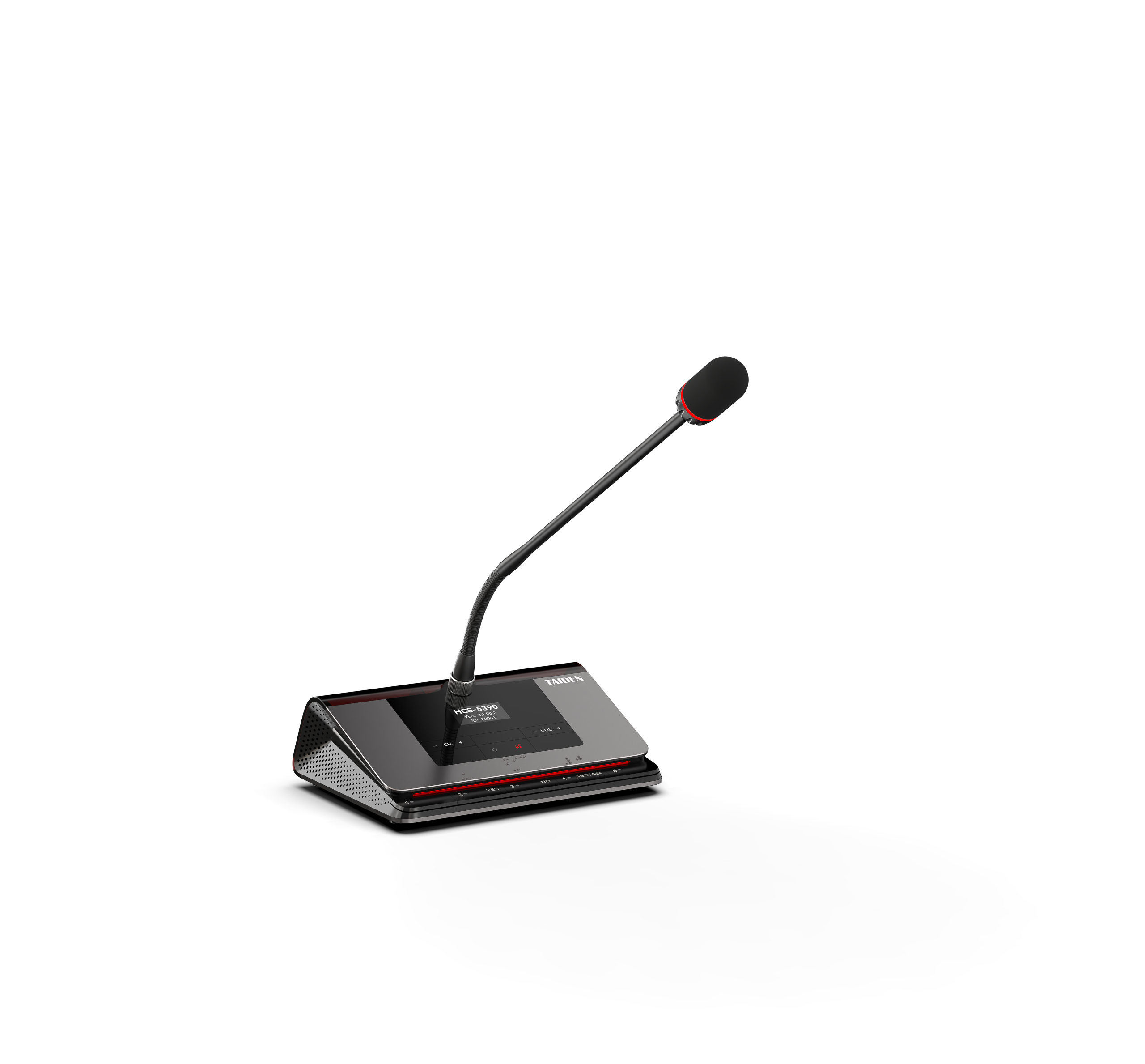
Start with the chain: voice, capture, process, transmit, listen. A wireless conference system coordinates microphones, speakers, and control over radio links. In many rooms, real work begins with selecting the right capture path—often by choosing wireless conference mics that match the room and the radio. Picture a town hall where half the team is remote, a CEO speaks, and low rumble masks the Q&A. Studies show that 25–30% of meeting minutes vanish to setup, glitches, or repeats. RF spectrum is more crowded than ever, and latency budgets are tight. So which tradeoff matters most: range, stability, or clarity? (It depends on how you compare.)
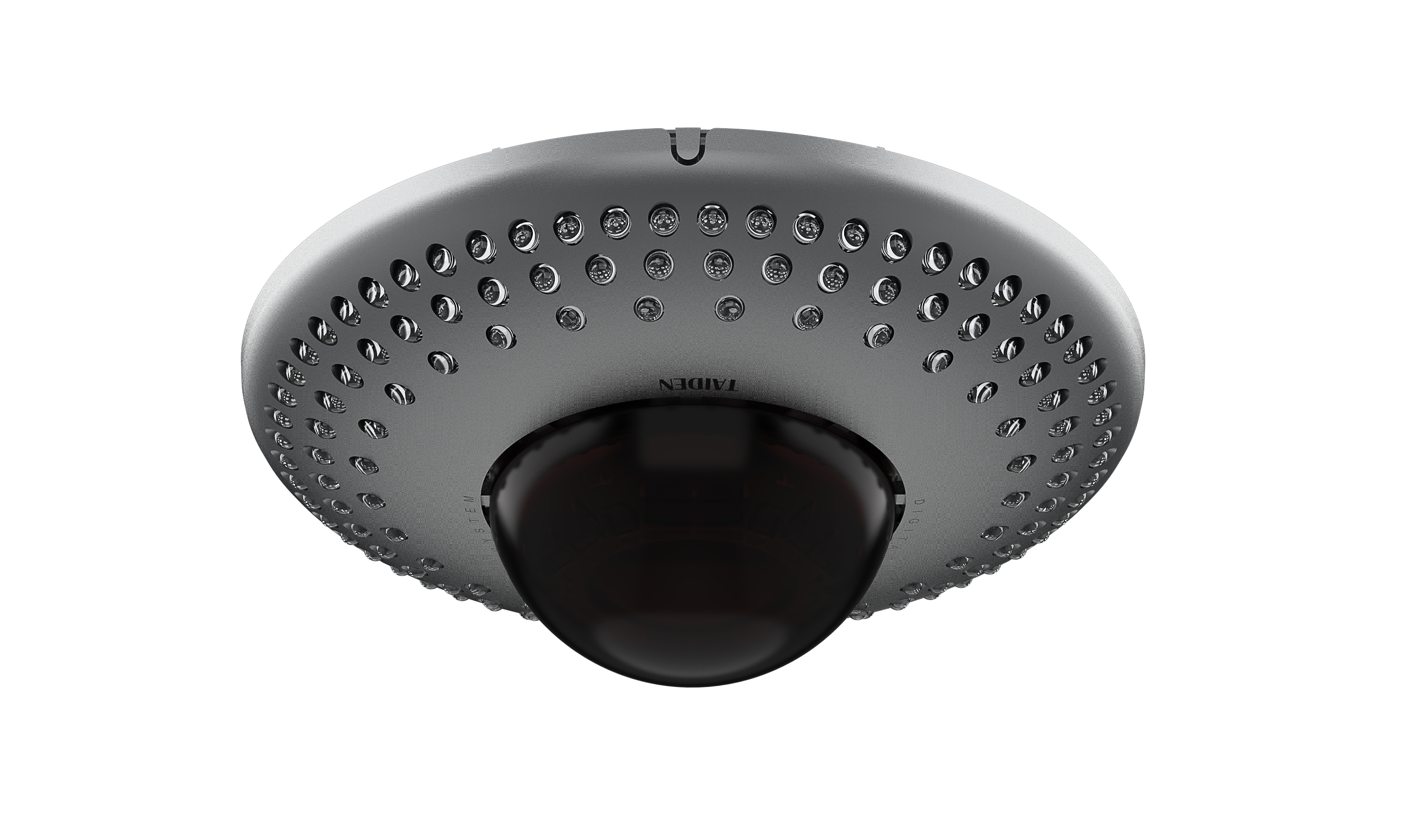
Let’s get technical for a moment. The signal path lives inside a fragile system: mic capsules feed DSP, packets cross the air, buffers handle jitter, control apps ride over Wi‑Fi, and then amplification pushes sound into the room. A small delay, a congested channel, or a mismatched gain stage can undo a whole session—funny how that works, right? In Part 1 we covered the basics of placement and room noise. Now we look at the deeper frictions you cannot see on spec sheets. We’ll ask how design choices impact real meetings, not just lab tests. And we’ll do it in a simple way. Look, it’s simpler than you think—if you compare the right things. Let’s move from surface features to the root problems that drive failure under pressure.
Hidden Friction in Wireless Conference Mics: Where Legacy Fixes Break
Why do legacy fixes still fail?
In Part 1, we mapped the fundamentals: room acoustics, mic distance, and basic gain structure. Here, the cracks show. Traditional fixes assume “set and forget” channel planning. Fixed-frequency sets looked fine at install, but intermodulation grows as you add devices and screens. Diversity reception helps, yet dense offices push RF overlap and reflections. Analog companding can color speech. DECT or 2.4 GHz feels simple, but crowded bands raise retries and packet loss. When your latency budget is tight, a jitter buffer saves drops but steals lip-sync. Add encryption like AES‑128, and CPU headroom shifts. None of this breaks a demo. It breaks a board meeting at 9:02 a.m.
Then come the human costs. Battery swaps between back-to-back sessions. Firmware drift across carts. Pairing resets after an OS update. IT firewalls block control APIs; QoS policies favor video over audio; edge laptops sleep mid-session. A beamforming array can help, yet if DSP presets don’t match the table layout, the room still sounds thin. The usual “more gain” fix simply raises comb filtering and floor noise. Support tickets pile up. People blame the mics when the stack is misaligned. The pattern: most pain hides in integration—RF coordination, network policy, and power discipline—not the capsule itself. Compare old habits to modern practices, and you’ll see why small details decide big outcomes.
Comparative Horizon: Principles That Actually Scale
What’s Next
To move forward, compare systems by how they manage change, not just how they perform on day one. New designs lean on dynamic spectrum use with OFDM, smarter channel hopping, and better coexistence rules. They synchronize with PTP for stable clocks, so drift stays invisible. Some mics push preprocessing to edge computing nodes inside the handset for faster denoise and AGC. OTA firmware keeps fleets aligned. Charging docks use smart power converters to protect cells and report health. The point is simple: stable meetings need automation that monitors, predicts, and tunes in the background. If you evaluate complete wireless meeting equipment, you compare the whole path—RF, network, control, and battery—not just a capsule rating.
Consider real impact. In mixed-use rooms, auto RF scans at power‑up find clean lanes before people walk in. Beamforming arrays adapt to new seating plans. Adaptive QoS tags audio control traffic so it survives busy Wi‑Fi. Fleet telemetry flags a weak cell three days before it fails—then spares are staged. This is not magic. It’s better coordination across the stack, with small safety nets at each hop. And yes, it keeps people talking instead of troubleshooting—funny how the quiet features carry the show. The comparison that matters is long-view stability versus short‑term specs, because the meeting you care about is never the one you rehearsed.
How to Choose: Three Metrics That Matter
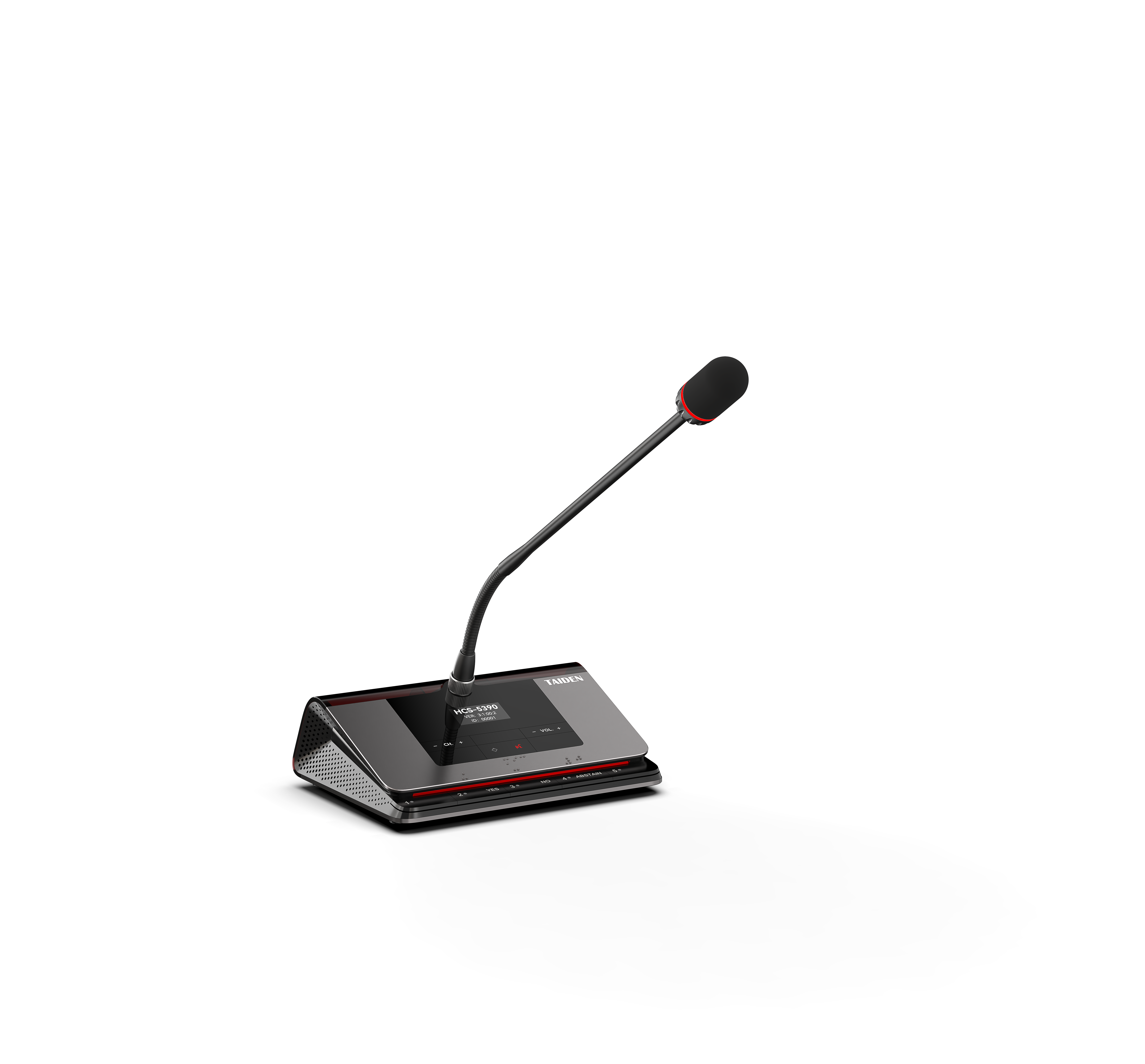
1) Congestion resilience. Test dropouts per hour under load, not in an empty room. Simulate a live office: Wi‑Fi at 70% airtime, laptops streaming, phones tethering. Look for systems that hold audio error rates low while maintaining sub‑1% packet loss and clean diversity switching at around −65 dBm. Note how the system handles intermodulation and how quickly it re-locks after a burst. A clear, repeatable test like this reveals the difference between robust RF and wishful thinking.
2) End‑to‑end sync and latency. Measure from capsule to speaker. Under 20 ms feels natural for speech; under 10 ms is ideal for fast Q&A and hybrid rooms. Watch drift across hours: PTP or equivalent clocking should keep channels aligned under 1 ms. Check DSP transparency too—noise reduction can be helpful, but not if it smears consonants. Record A/B sessions so non‑engineers can hear the tradeoffs. If voices feel late, decisions feel late. That’s the rule.
3) Fleet health and lifecycle. Track firmware cadence, key rotation for encryption, and mean time between charge cycles. You want dashboards that surface battery wear, radio noise floors, and channel maps. Spare planning should be boring and easy. Docks should protect cells with smart power management, and service tools should push OTA updates in small windows. In short, choose the system that handles tomorrow’s mess as gracefully as today’s needs, with clear documentation and accessible support, including resources from TAIDEN.