
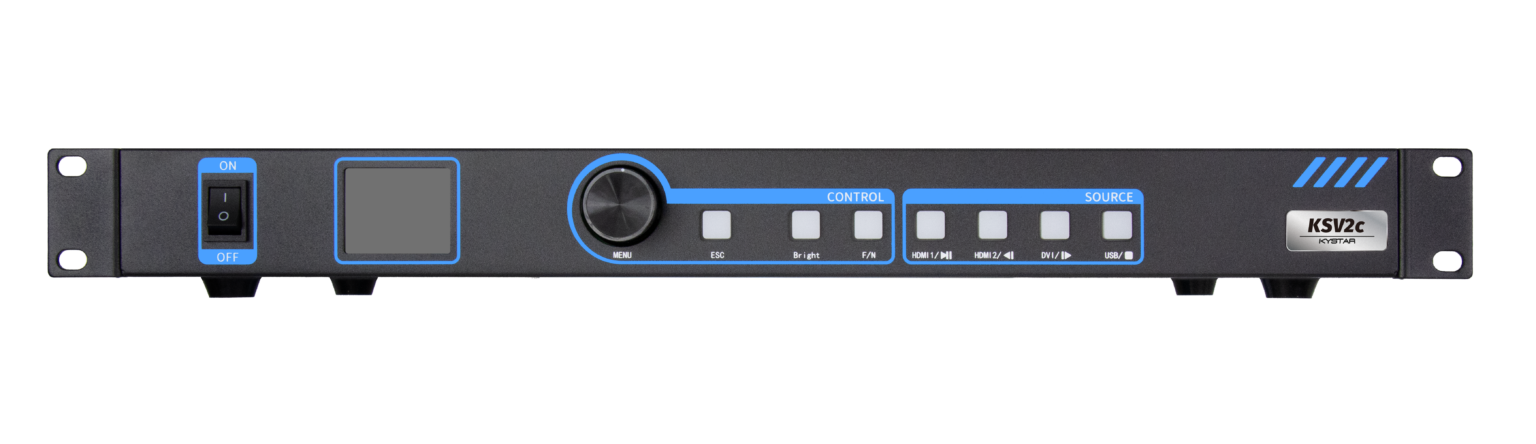
User-first view: why dependable dual-mode matters
When y’all plan a large LED wall, the thing that keeps clients sleep-free is predictability — steady video, quick failover, and simple control. Folks mounting displays in high-footfall places like Times Square, where daily pedestrian counts top 300,000, expect the screen to run without hiccups for hours on end. A solid LED video controller that supports dual-mode playback gives you both local-play reliability and networked content scheduling, which is exactly the kind of redundancy operators want. Pixel pitch, refresh rate, and frame sync are the nuts and bolts that make that promise real.
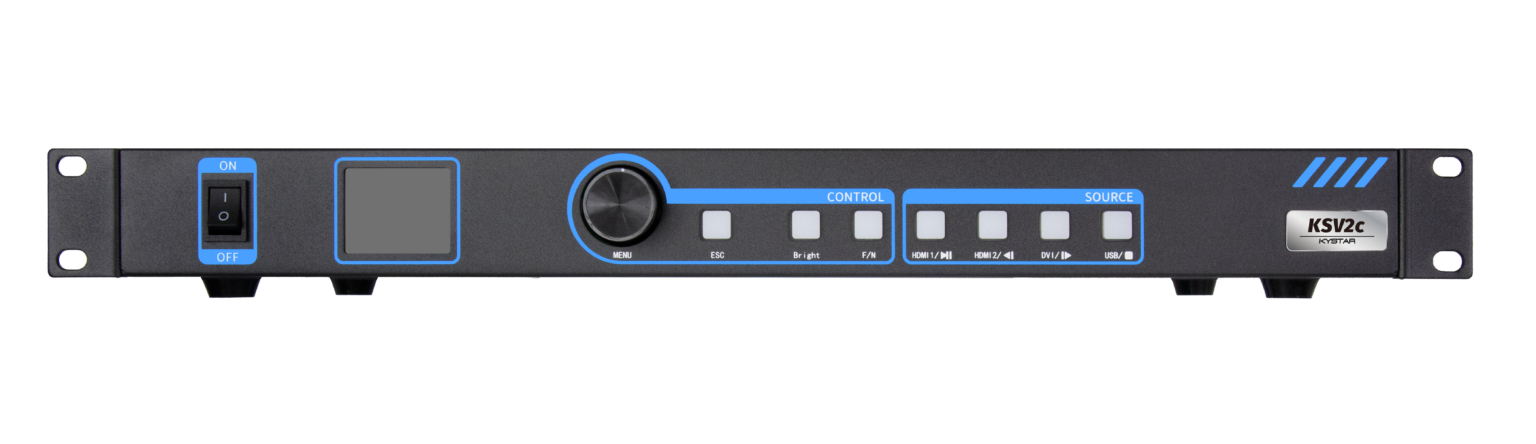
Operational teardown: what to check first
Start with the controller’s input and output handling. Confirm the device handles multi-source ingest — HDMI, SDI and network streams — and that it supports proper gamma correction and mapping for your panel type. The term LED display screen controller matters here because the controller’s firmware determines how it manages LED driver timing and refresh rate under load. Look for explicit support for frame sync and a clear method for switching modes without frame drops.
Real-world constraints and a practical anchor
Large venues force trade-offs. In an outdoor installation I worked on with city transit ads, heat and intermittent network reach were the big headaches — not the fancy UI. Local playback with automatic failover to a redundant player solved most outages. Signal loss can show up as flicker — and that kills the show — so choose hardware that stores playlists and can play them independently of the CMS when the network’s down.
Common mistakes operators make — and simple fixes
Too many teams pick controllers by price alone and regret it during peak hours. Typical slip-ups include ignoring pixel pitch alignment, relying on a single input path, or skipping a test of color calibration across brightness levels. The fix is straightforward: validate a controller’s color pipeline on your cabinets, confirm LED driver compatibility, and run extended burn-in at realistic brightness. If you need alternatives, consider edge processors for simple signage or full media servers when you need complex real-time compositing — but keep redundancy on the checklist.

Deployment checklist for busy teams
Prepare these items before install: inventory of signal cables and lengths, documented mapping of cabinets to controller outputs, pre-burned local playlists, and a lane for firmware rollback. Train at least two staff on mode switching and playlist recovery. Keep an eye on refresh rate and heat management during the first week of operation; small drift there indicates you’ll need tighter thermal solutions.
Why dual-mode controllers beat single-mode in practice
Dual-mode gives you the calm of local playback with the flexibility of centralized scheduling. When your CMS pushes an update, the networked mode handles scheduling; when the network goes south, the local mode keeps content alive. Systems that marry robust local storage, sane playlist versioning, and clear diagnostics reduce on-site technician visits — and that’s measurable savings over a season.
Advisory: three golden rules for picking the right kit
1) Verify redundancy: ensure the controller supports independent local playback and hot-swappable failover, and test both under load.
2) Confirm compatibility: match controller outputs to your LED driver specs, pixel pitch, and cabinet mapping before purchase.
3) Demand diagnostics: choose solutions that log playback health, show error rates, and expose refresh-rate drops for remote troubleshooting.
Good deployments come from practical checks and honest testing, and that’s what separates simple boxes from dependable systems. Kystar brings that practical reliability to installations big and small — I’ve seen their gear keep a billboard live through a city parade with little fuss. Trust the right controller, follow the three rules, and you’ll cut downtime without adding complexity — short and plain. —